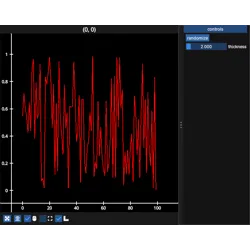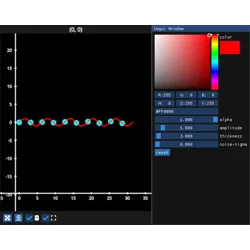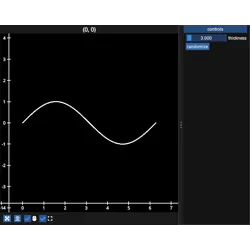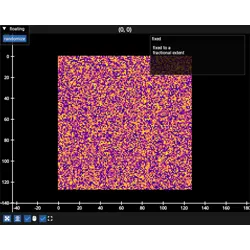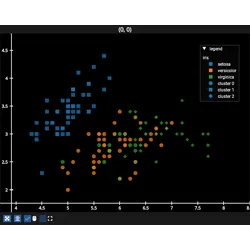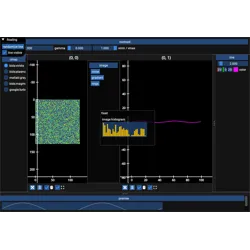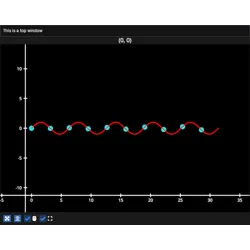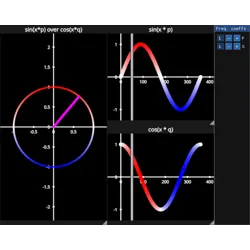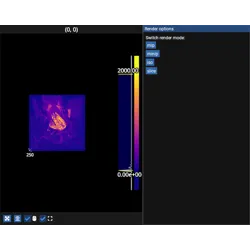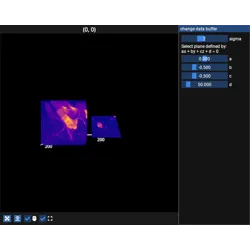
add_imgui_window#
- ImguiFigure.add_imgui_window(window=None, *, location=None, size=None, rect=None, extent=None, title=None, window_flags=None)[source]#
Add an imgui window to the Figure. Can also be used as a decorator, see examples.
A window can be placed on an edge (“left”, “right”, “top”, “bottom”) where it reserves canvas space so it does not cover the subplots, “floating” for an auto-sized draggable window, or at a fixed fractional or pixel
rectorextentof the canvas. An existing window at an edgelocationis replaced.For a list of imgui elements see the imgui docs and the “imgui” section in the fastplotlib user guide.
- Parameters:
window (ImguiWindow | ImguiContainer, optional) – an
ImguiWindowinstance, such as aLegend, or anImguiContainersuch as anImguiColorbar, which is given a window of its own. Omit when decorating.location (str, "left" | "right" | "top" | "bottom" | "floating") – edge windows reserve canvas space, “floating” is auto-sized and draggable
size (int) – edge window thickness in pixels, required for edge windows
rect (tuple[float, float, float, float], optional) – fractional or pixel (x, y, w, h) rect for a fixed window. With
location="floating"only its (x, y) is used, as the initial position of the auto-sized window.extent (tuple[float, float, float, float], optional) – fractional or pixel (xmin, xmax, ymin, ymax) extent for a fixed window. With
location="floating"only its (xmin, ymin) is used, as the initial position of the auto-sized window.title (str, optional) – window title, drawn as a title bar for edge windows. If
Noneno title bar is drawn.window_flags (
imgui.WindowFlags_) – imgui window flags, used when decorating; if not provided, the default depends on placement — edge windows useno_collapse | no_resize | no_title_bar | no_bring_to_front_on_focus(custom title bar, stays behind overlays), floating windows usenone(native title bar, collapsible and movable), fixed rect/extent windows useno_collapse | no_move | no_resize(native title bar)
Examples
As a decorator:
import numpy as np
import fastplotlib as fpl
from imgui_bundle import imgui

figure = fpl.Figure()
figure[0, 0].add_line(np.random.rand(100))

@figure.add_imgui_window(location="right", title="controls", size=200)
def gui(fig):  # the figure is passed if the function takes an argument
    if imgui.button("reset data"):
        fig[0, 0].graphics[0].data[:, 1] = np.random.rand(100)
Instance:
figure.add_imgui_window(MyWindow(), location="bottom", size=100)